
Free Seamless Instagram Carousel Templates
Seamless layouts that keep people swiping. Free, no signup, no watermark.
What is a seamless Instagram carousel?
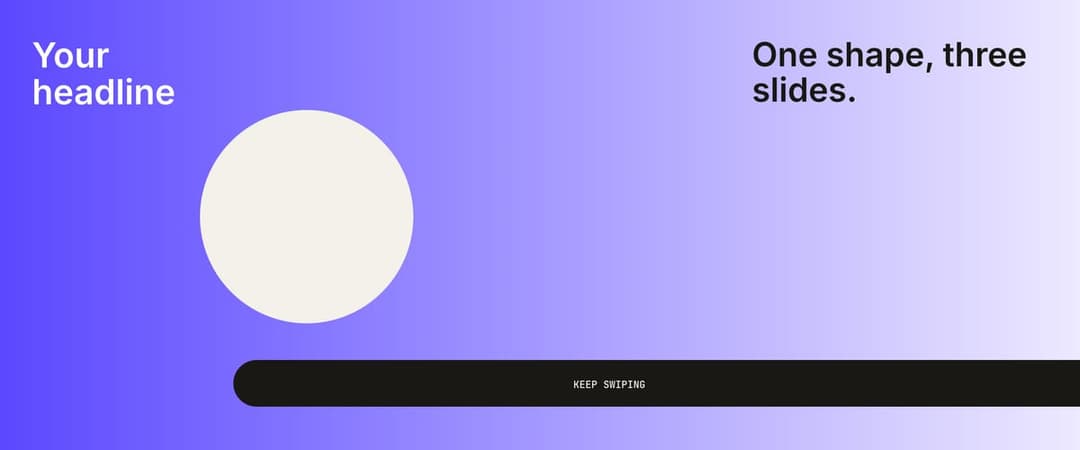
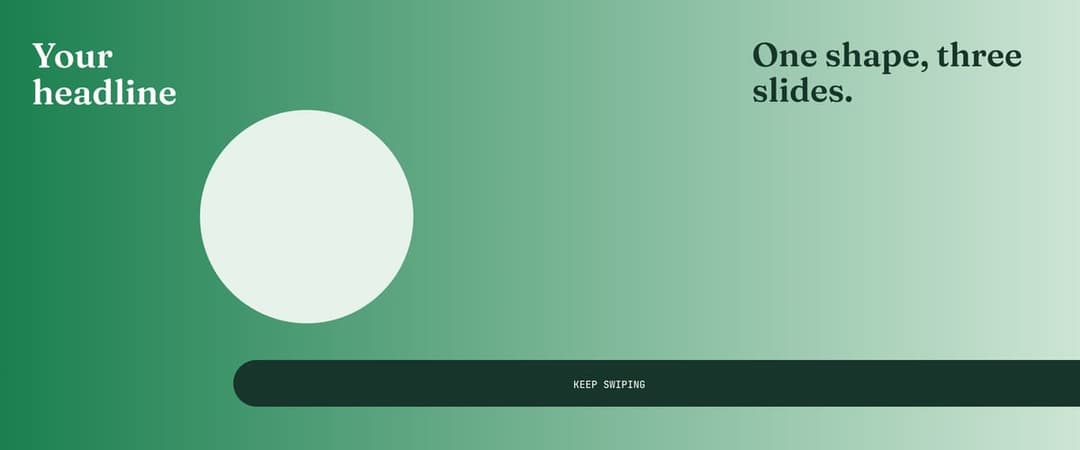
One wide design split into 2 to 20 slides. Shapes and photos cross the cuts, so every swipe feels like one canvas.
Instagram shows one 1080 × 1350 slide at a time. A seamless Instagram carousel template lines the design up across every cut, so nothing breaks mid-swipe. Pick a layout above, drop in your photos and text, and download slides that join up perfectly.
8 Instagram carousel template ideas
Every Instagram carousel template here is built around the cut between slides. Pick one, add your photos and post.

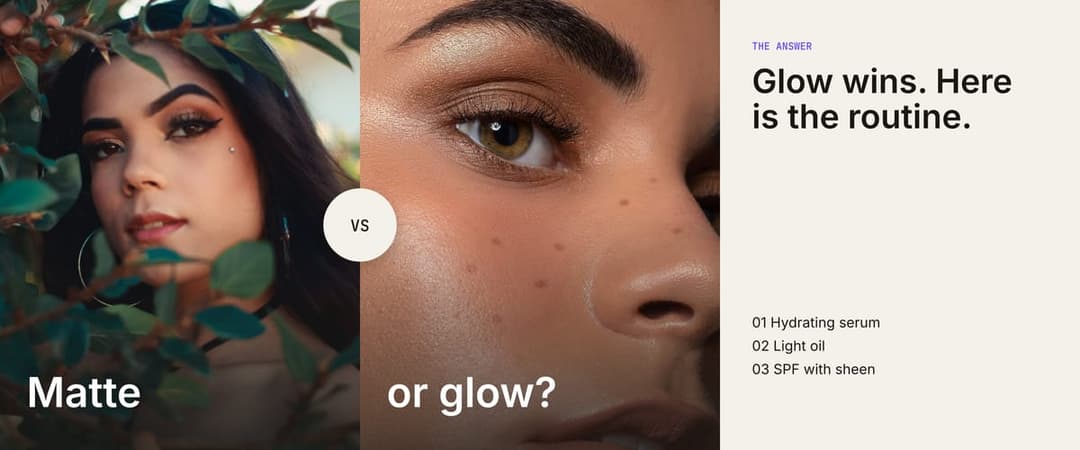
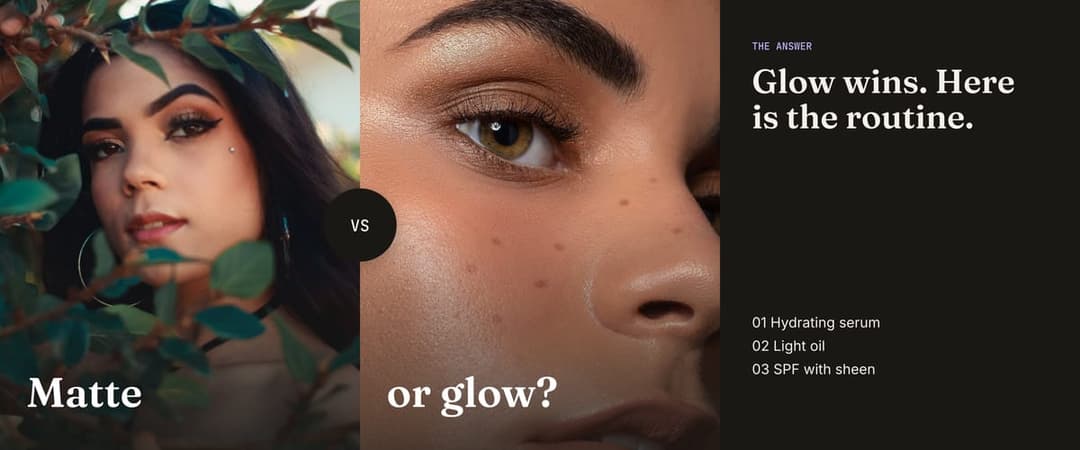
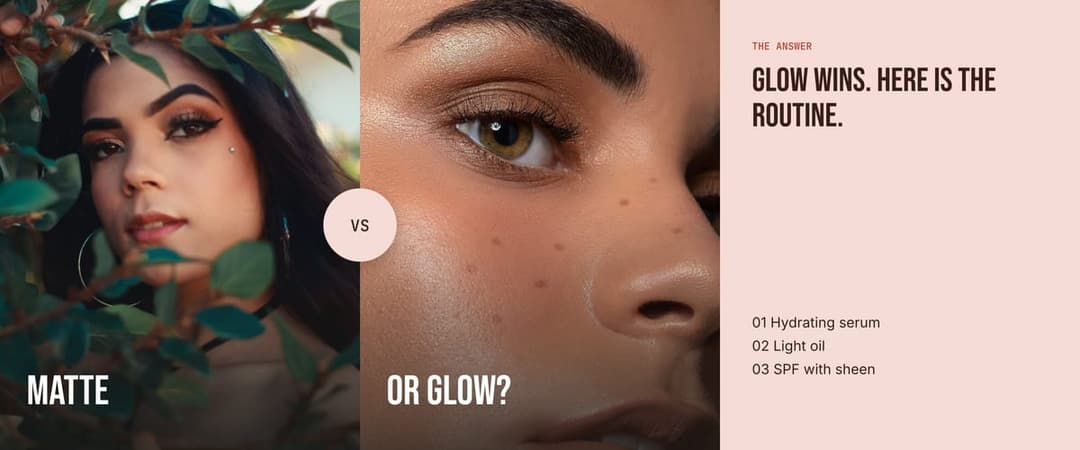
This or that
Two options side by side, split by the cut. The next slide reveals the answer, so people swipe to find out. Great for product comparisons, polls and style picks.
Open this layout
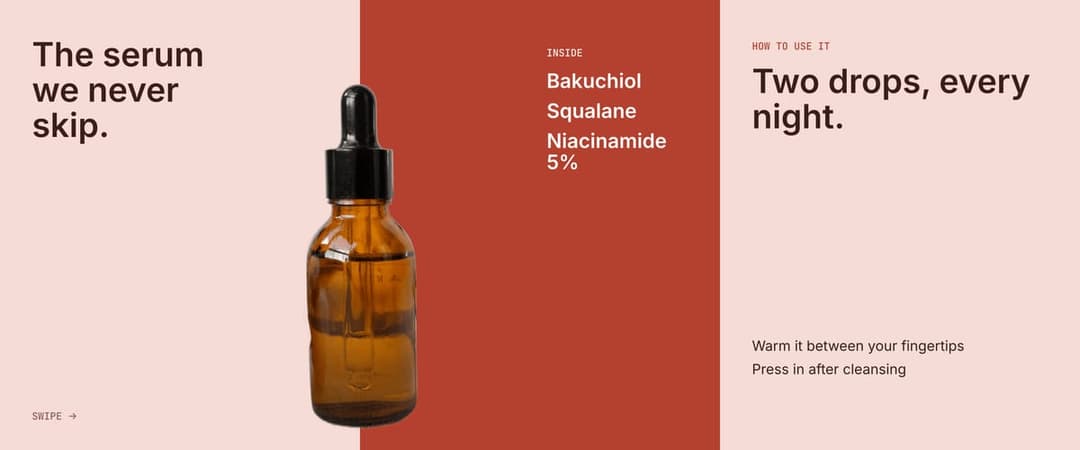
Peek
Your product sits on the line between slide 1 and slide 2, half hidden, so the swipe feels natural. Slide 2 lists what is inside. Works best with a cutout on a clean background.
Open this layout
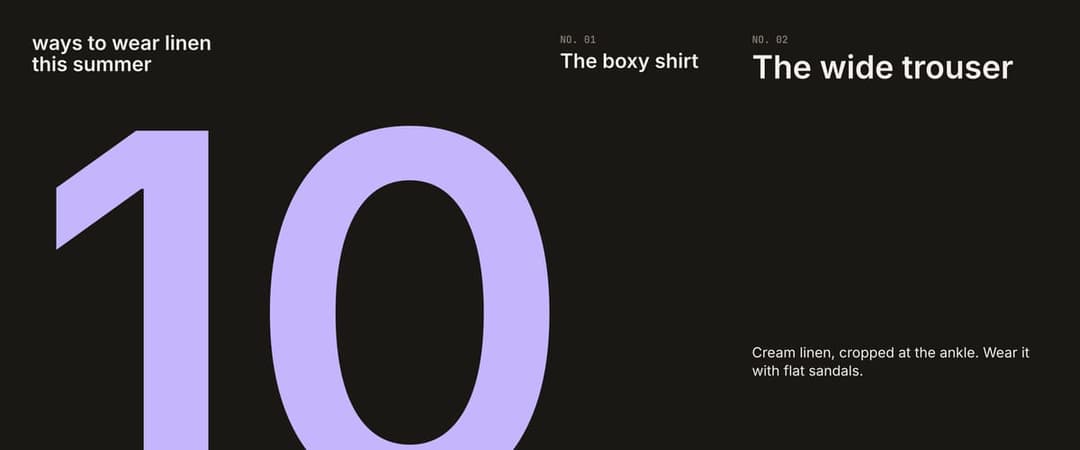
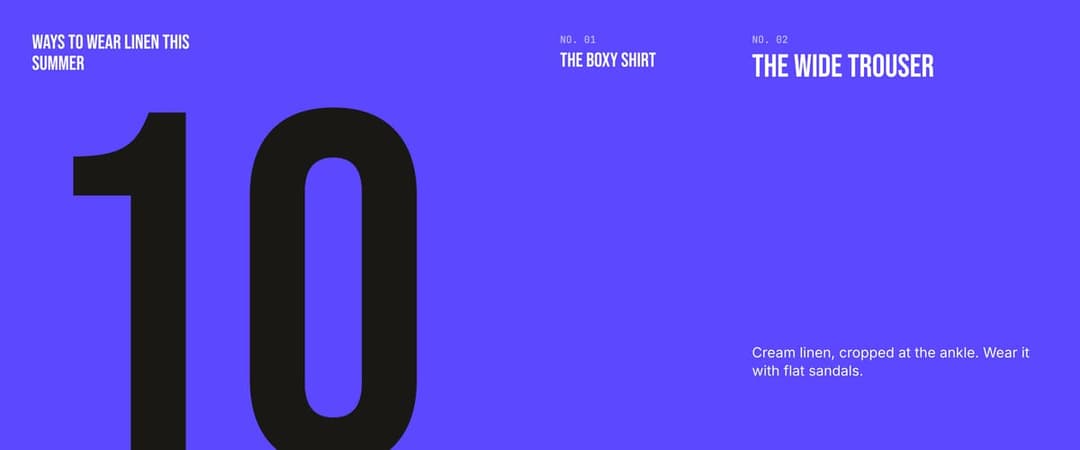
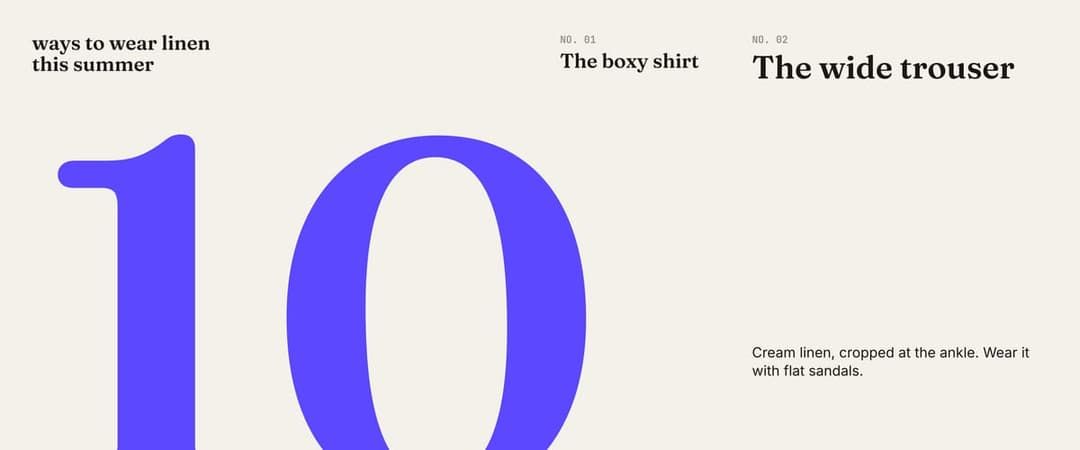
Big number
One huge number split across the first two slides, then one list item per slide. Made for tips, rankings and countdowns.
Open this layout
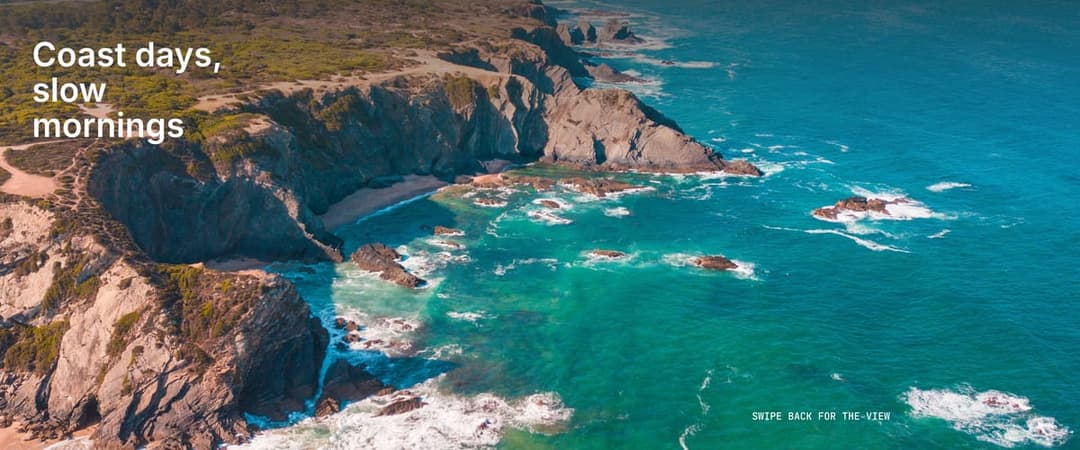
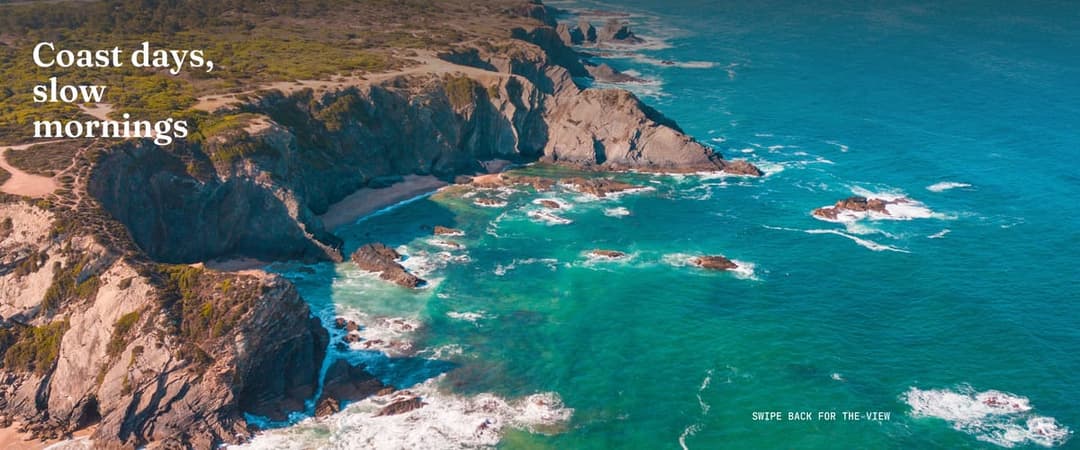
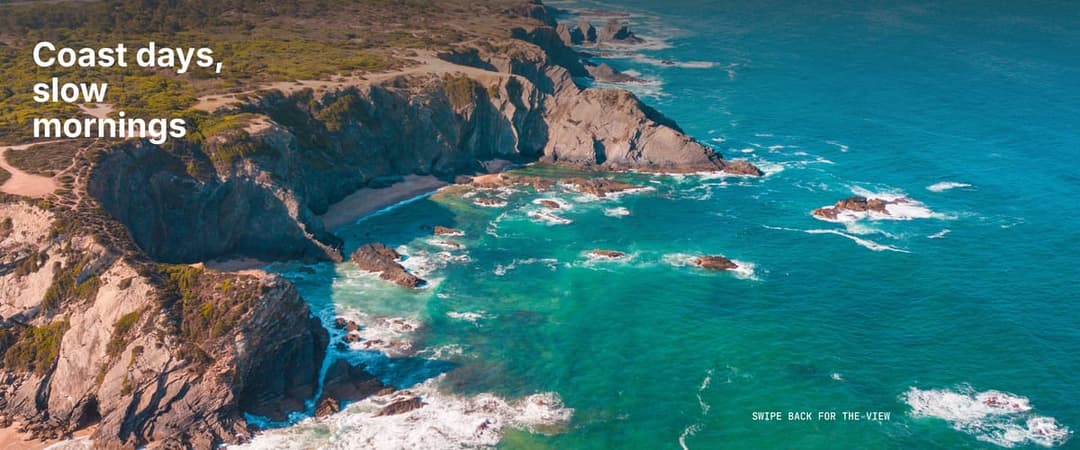
Panorama
One wide photo spread across every slide. Landscapes, room shots and flat lays feel bigger when people swipe through them.
Open this layout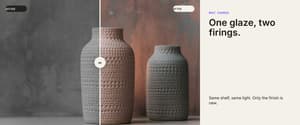
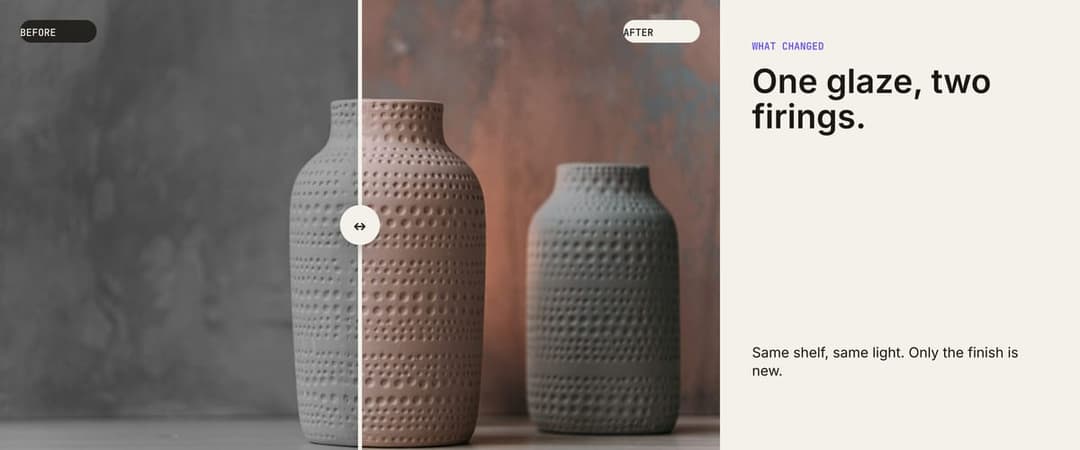
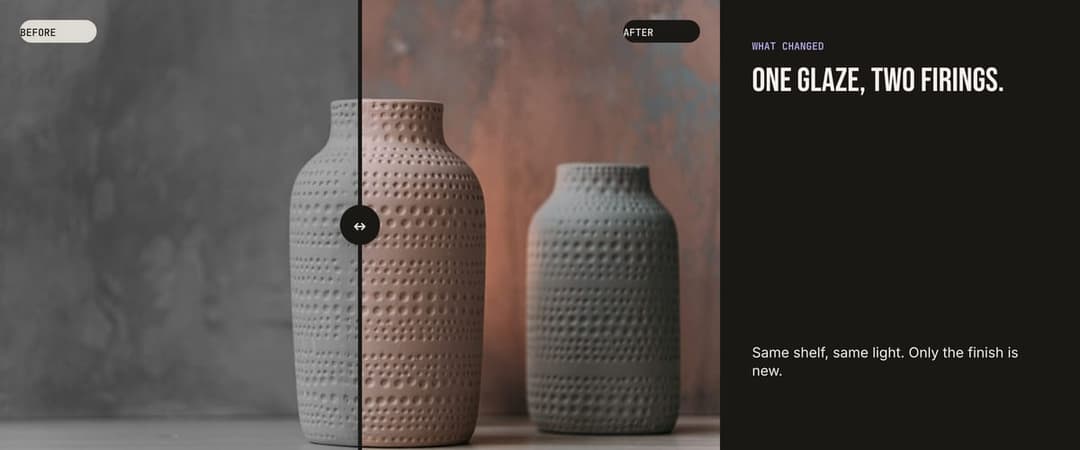
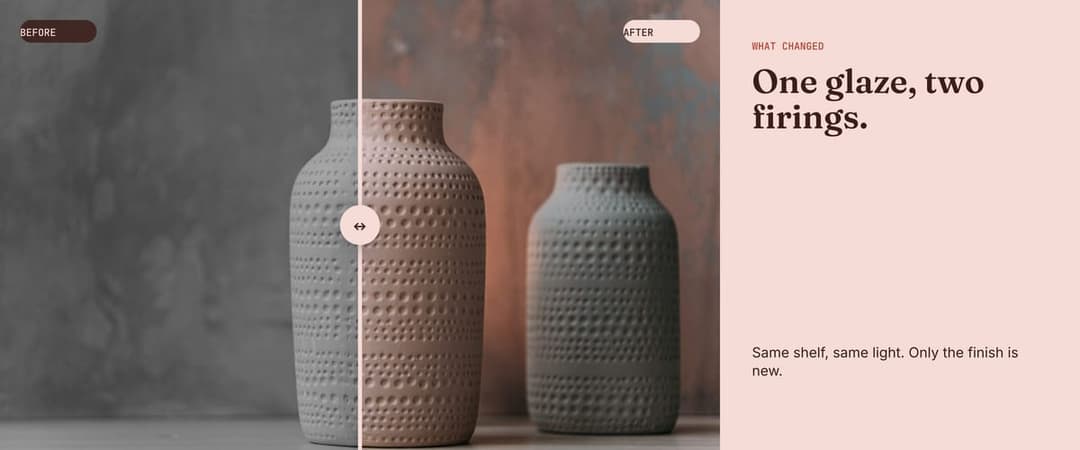
Before and after
The before on one slide, the after on the next, with a slider handle on the cut. Works for makeovers, edits and results.
Open this layout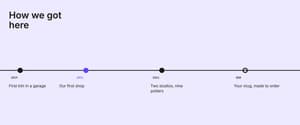
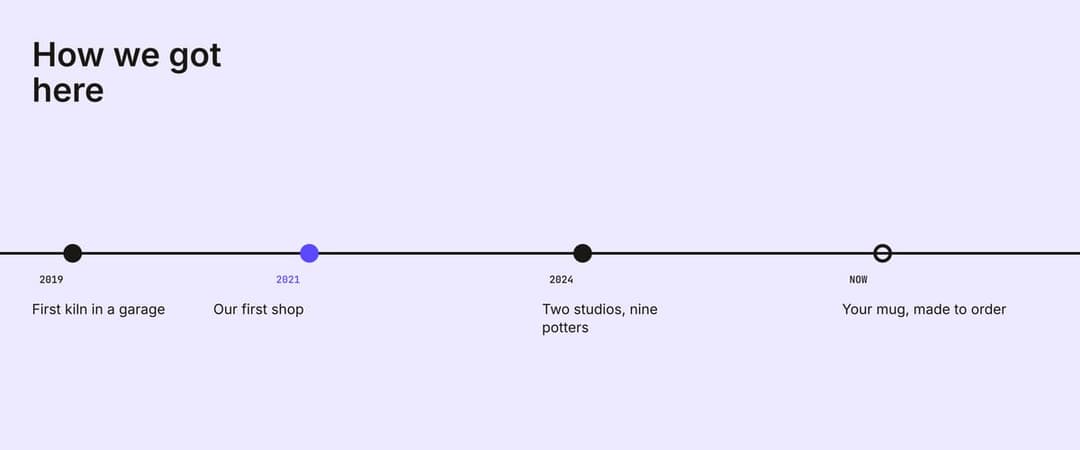
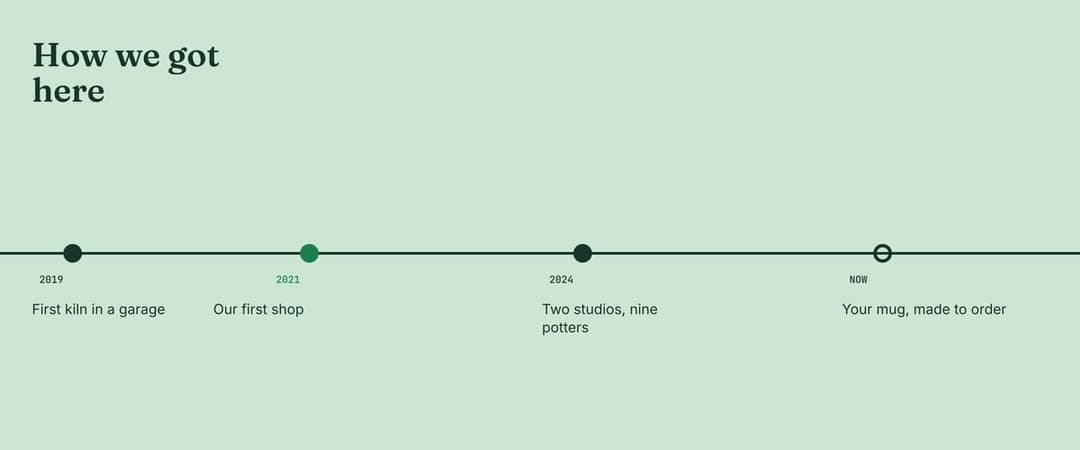
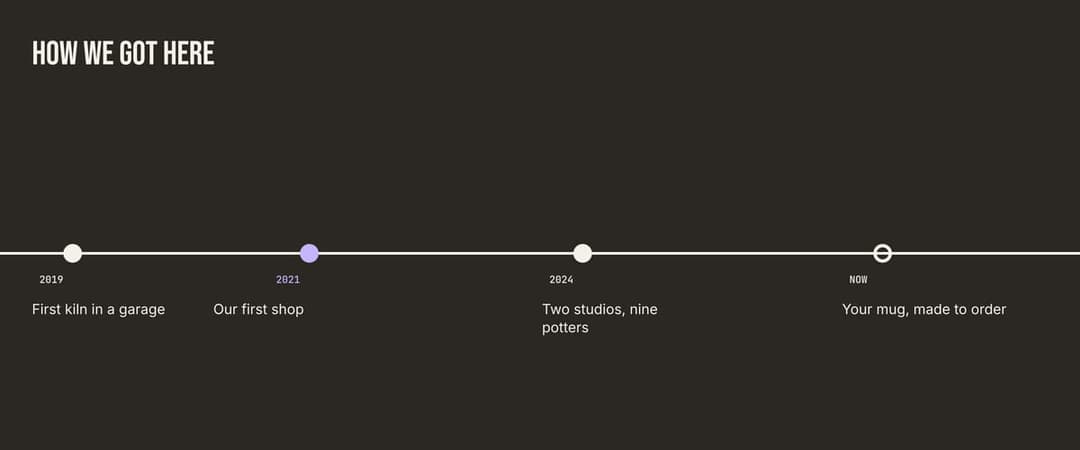
Timeline thread
One line with dots runs through every slide to tell a story in steps. Use it for brand history, a launch countdown or a how-to.
Open this layout
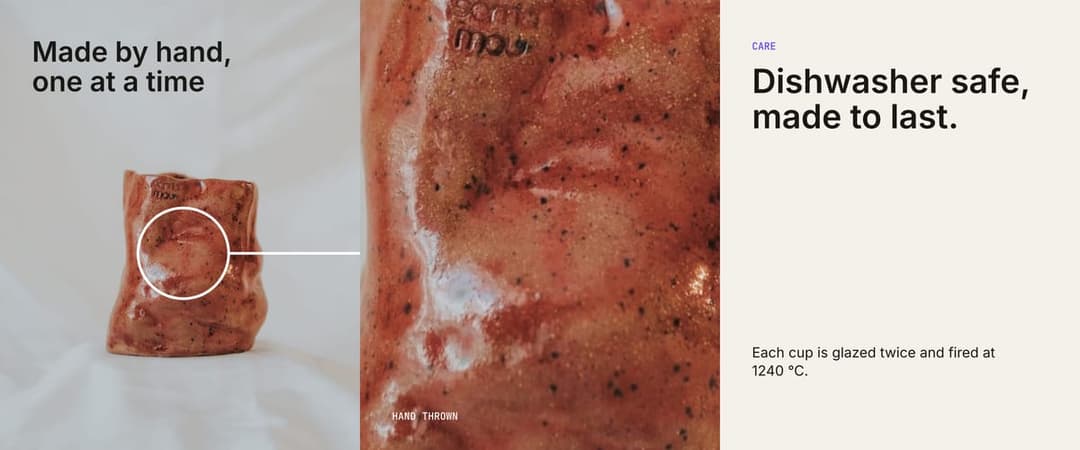
Zoom in
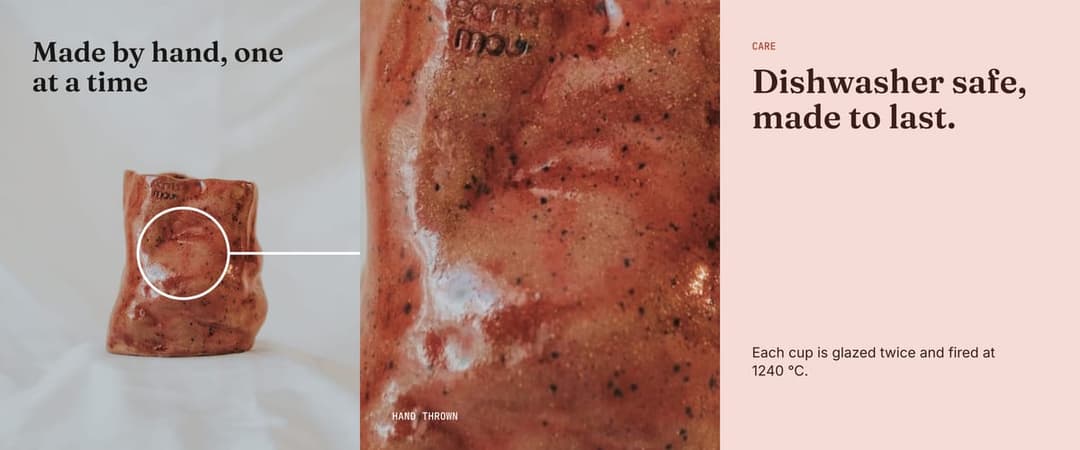
The full product shot first, then a closer detail on the next slide. Shows texture, materials and craft.
Open this layout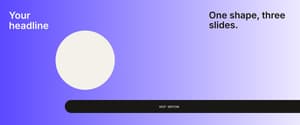
Ribbon
Shapes and bands weave across the cuts, so the carousel reads as one design. A simple way to make any list feel seamless.
Open this layout
24 free Instagram carousel templates
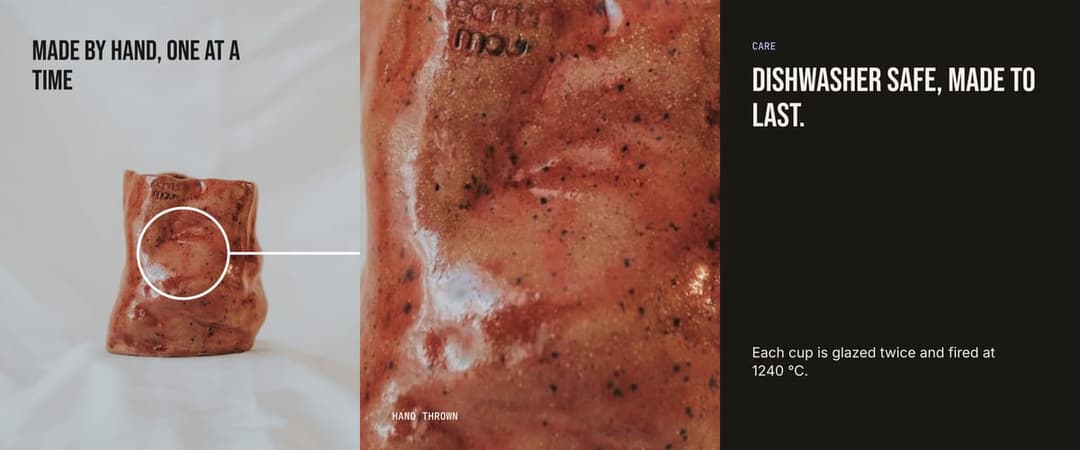
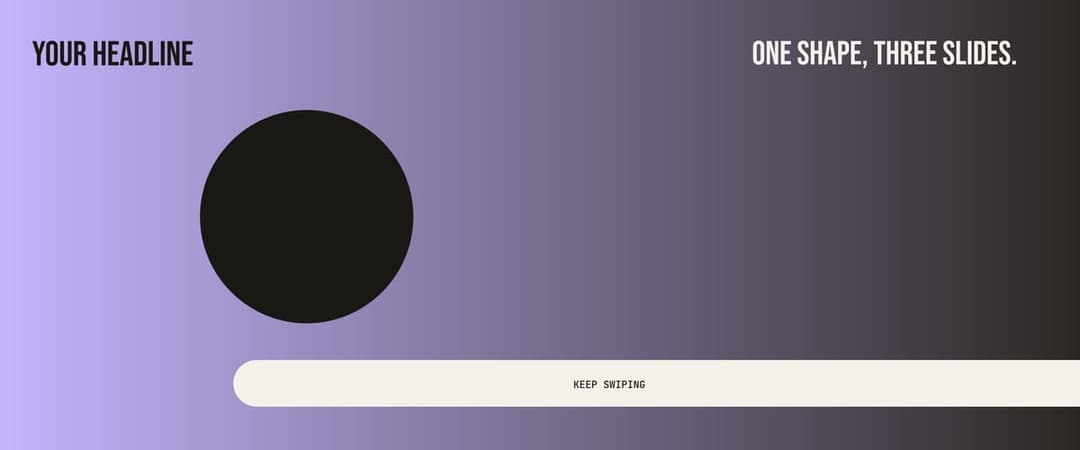
Each layout comes in three colour and type styles. Open any carousel template in the editor, then switch colours, fonts and photos.


Instagram carousel template sizes
| Format | Slide size | Ratio | 5-slide canvas | Export | Slides |
|---|---|---|---|---|---|
| PortraitBest | 1080 × 1350 | 4:5 | 5400 × 1350 | JPG, PDF | 2 to 20 |
| Square | 1080 × 1080 | 1:1 | 5400 × 1080 | JPG, PDF | 2 to 20 |
Instagram allows up to 20 slides in one carousel. Most schedulers and the Instagram API still cap carousels at 10, so keep it to 10 if you schedule your posts.
How to make a seamless carousel
- 1Pick a layout, or download the blank template for your own design app.
- 2Add your photos and text. Drag anything across a cut and it snaps fully into a slide or centres on the cut.
- 3Download the ZIP and post the slides in order, 01 first.
A seamless carousel is one canvas exactly as wide as all its slides together. Multiply 1080 px by the number of slides:
| Slides | 4:5 canvas | 1:1 canvas |
|---|---|---|
| 2 | 2160 × 1350 | 2160 × 1080 |
| 3 | 3240 × 1350 | 3240 × 1080 |
| 4 | 4320 × 1350 | 4320 × 1080 |
| 5 | 5400 × 1350 | 5400 × 1080 |
| 6 | 6480 × 1350 | 6480 × 1080 |
| 7 | 7560 × 1350 | 7560 × 1080 |
| 8 | 8640 × 1350 | 8640 × 1080 |
| 10 | 10800 × 1350 | 10800 × 1080 |
| 12 | 12960 × 1350 | 12960 × 1080 |
| 15 | 16200 × 1350 | 16200 × 1080 |
| 20 | 21600 × 1350 | 21600 × 1080 |
The editor does this maths for you and cuts at exactly 1080 px, so the edges always meet.
Why do my carousel slides look slightly mismatched?
Slides that are not cut at exactly 1080 px get resized, so the edges drift apart by a few pixels. Every template here is cut at exactly 1080 px per slide, so lines and photos meet across the cut.
Instagram also crops every slide to the ratio of the first one. Mix a square slide into a portrait carousel and it gets cropped, so keep every slide the same size.
Check your slide size first
Every slide is cropped to the ratio of the first one, and the profile grid shows only the centre 3:4 of slide 1. Keep text about 64 px in from the edges and use the grid check in the editor.
Open the Instagram Carousel Size toolFix blurry carousel slides
Upload at 1080 px wide
Instagram shrinks anything wider and stretches anything smaller. This tool exports every slide at exactly 1080 px, so nothing gets resized.
Start with big enough photos
For a photo that spans three slides, start with at least 3240 px of width. Smaller photos still work, they are just upscaled.
Post from the app on good Wi-Fi
Uploading in the Instagram app keeps full quality. Data saver mode and some third party apps compress images again.
Carousel vs post vs Story sizes
| Format | Size (px) | Ratio |
|---|---|---|
| CarouselThis page | 1080 × 1350 | 4:5 |
| Portrait post | 1080 × 1350 | 4:5 |
| Square post | 1080 × 1080 | 1:1 |
| Story | 1080 × 1920 | 9:16 |
Frequently Asked Questions
Each slide is 1080 × 1350 pixels at 4:5, or 1080 × 1080 at 1:1. A 5-slide seamless Instagram carousel template is one 5400 × 1350 canvas, cut into five equal slides.
Design one wide canvas that is 1080 px times your slide count, let shapes and photos cross the cuts, then cut it into 1080 px slides. Pick a template above, edit it and download the ZIP. Upload the slides in order, 01 first.
Up to 20 slides in the Instagram app. Most scheduling tools and the Instagram API still allow 10, so plan for 10 if you schedule your posts.
Usually the slides were not cut at exactly 1080 px, or Instagram cropped them to the ratio of the first slide. Export every slide at the same size from one canvas and the edges line up.
You can upload them, but Instagram crops every slide to the ratio of the first one. For a seamless carousel, keep every slide the same size.
Yes. Every Instagram carousel template here is free, with no signup and no watermark. Your photos stay in your browser and are never uploaded.
Yes, Instagram lets you mix photos and videos in one carousel. This tool exports image slides, so add any videos in the Instagram app when you post.
Make the next 30 with Overvisual.
Overvisual plans and designs a month of carousels in your brand, then schedules them for you.
Related Tools
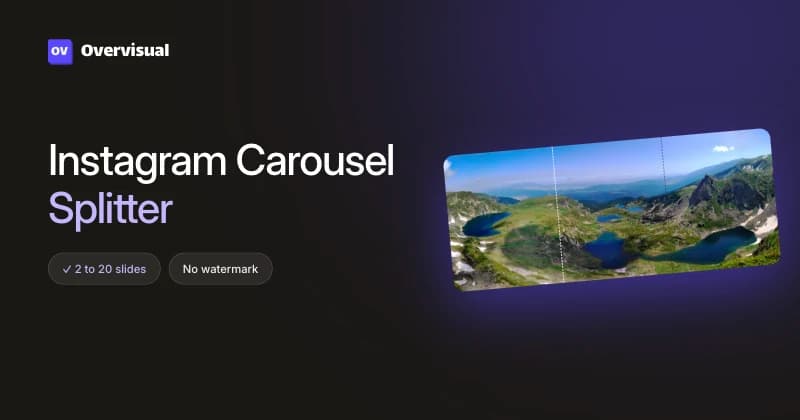
Instagram Carousel Splitter
NewSplit one wide photo into perfectly aligned carousel slides. Free, no watermark, and your photo never leaves your browser.
Open tool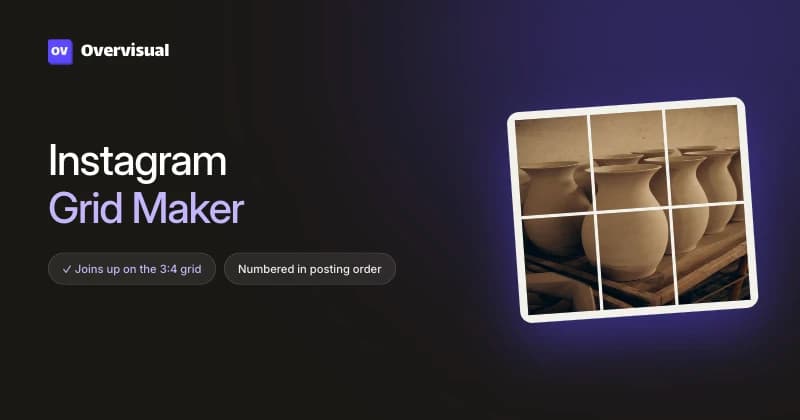
Instagram Grid Maker
NewSplit one photo into 4:5 posts that join up on the new 3:4 profile grid. Numbered in posting order. Free, no watermark, no signup.
Open tool
Instagram Story Size & Dimensions
Upload any image, adjust the crop, and download it at the exact 1080 × 1920 Instagram Story size. Free and no signup required.
Open tool